Grok Bot in your terminal
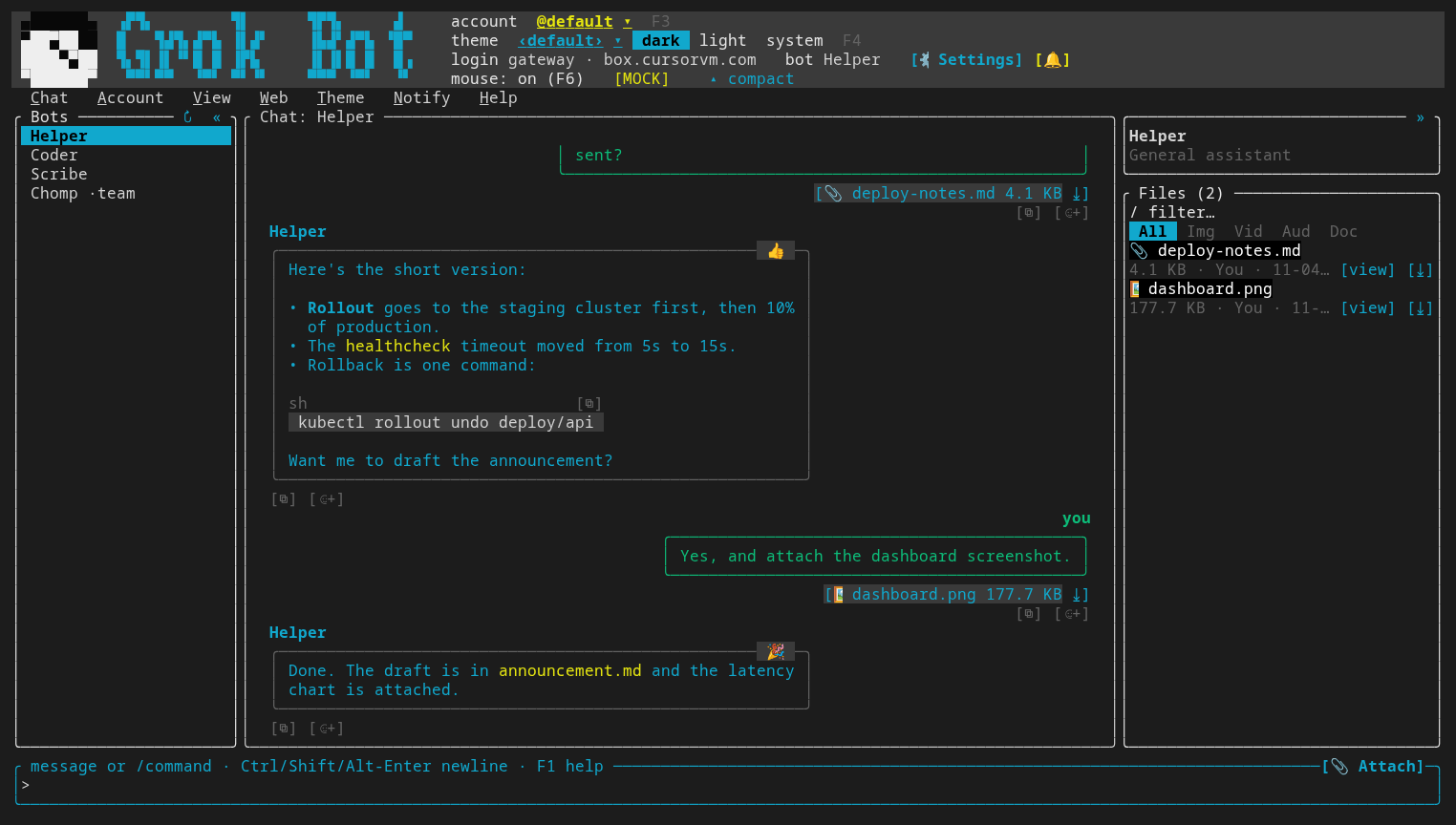
grokbot-tui is a fast, keyboard-first terminal client for Grok Bot: every bot and team bot, rounded message bubbles, inline images, attachments, local search and themes. Written in Rust.
Download 1.41.6 Read the docs Browse themes
Unofficial: grokbot-tui uses Grok Bot's undocumented gateway API, which can change at any time.
Try it offline first with grokbot-tui --mock.
Features
Every bot, one terminal
Your bots, team bots and groups in a sidebar; chat in rounded bubbles with reactions on the corner, like the desktop app.
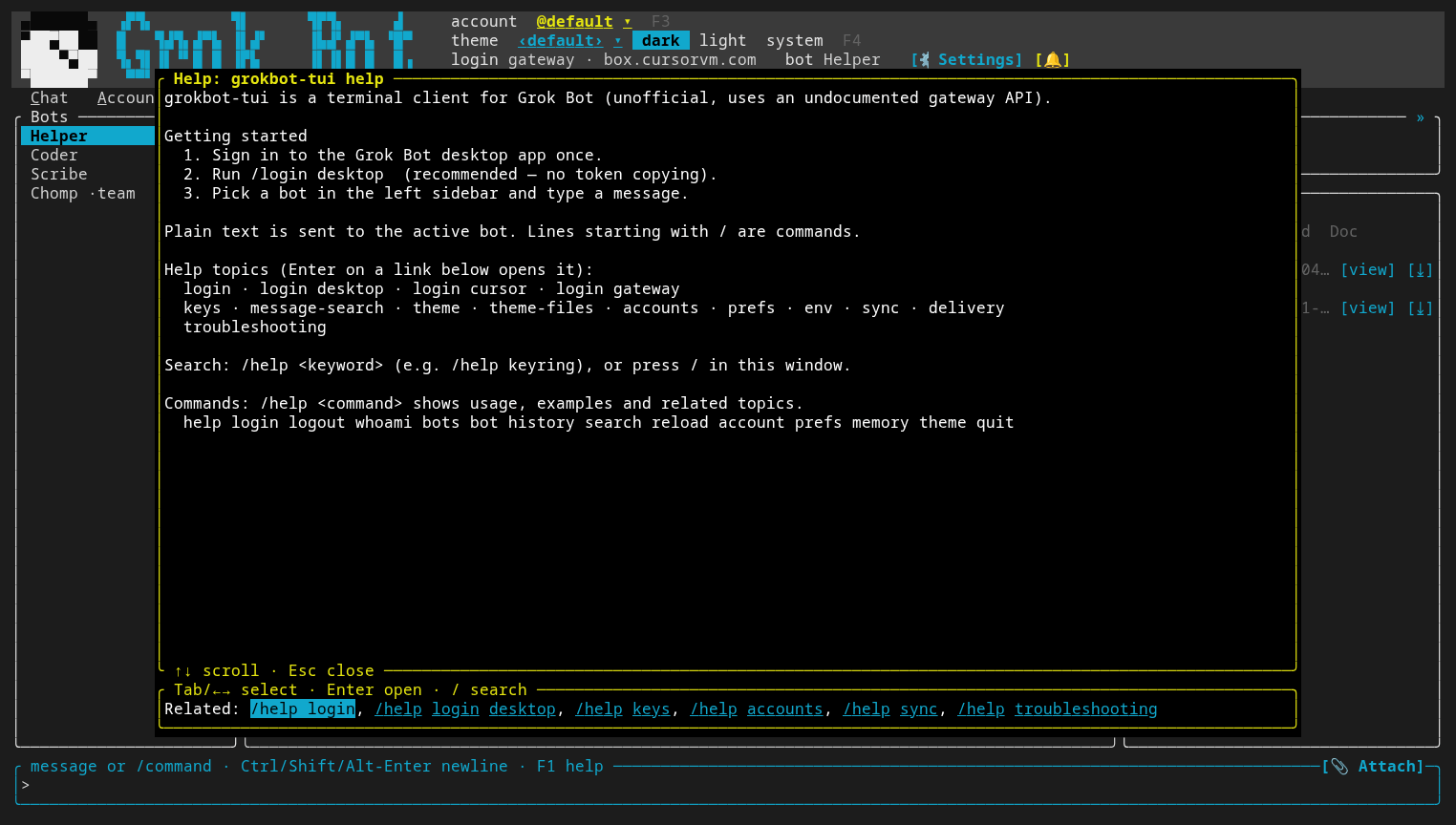
Read the guide →Log in with the desktop app
/login desktop reuses the Grok Bot desktop session; no token copying. Several accounts stay apart.
Attachments
Send files with the picker or drag and drop; a files bar on the right lists every attachment in the chat.
Read the guide →Real images
Inline images over kitty, iTerm2, sixel or the Fuzzball protocol, half blocks everywhere else; video and GIFs with the FFmpeg build.
Read the guide →Search everything
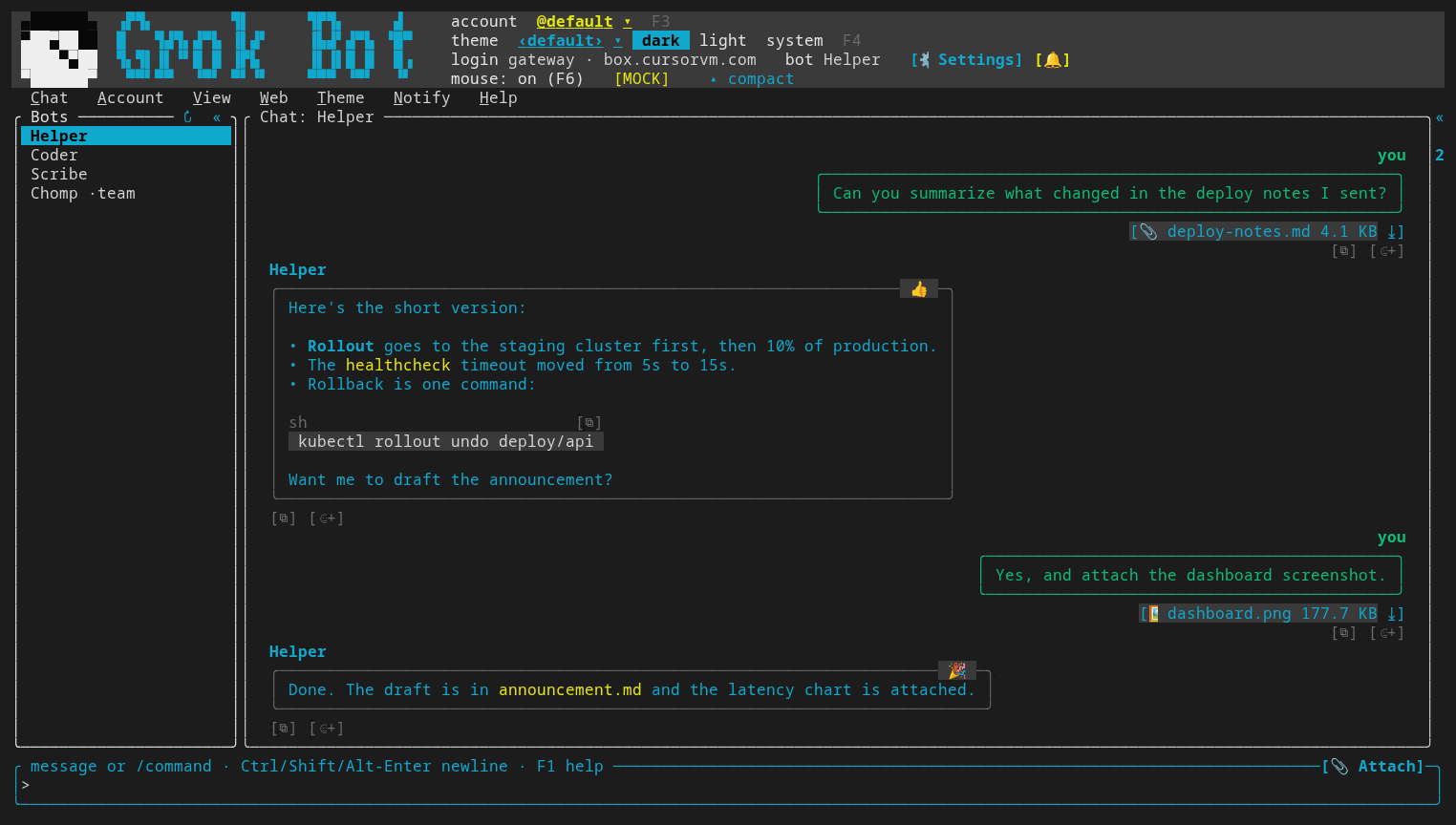
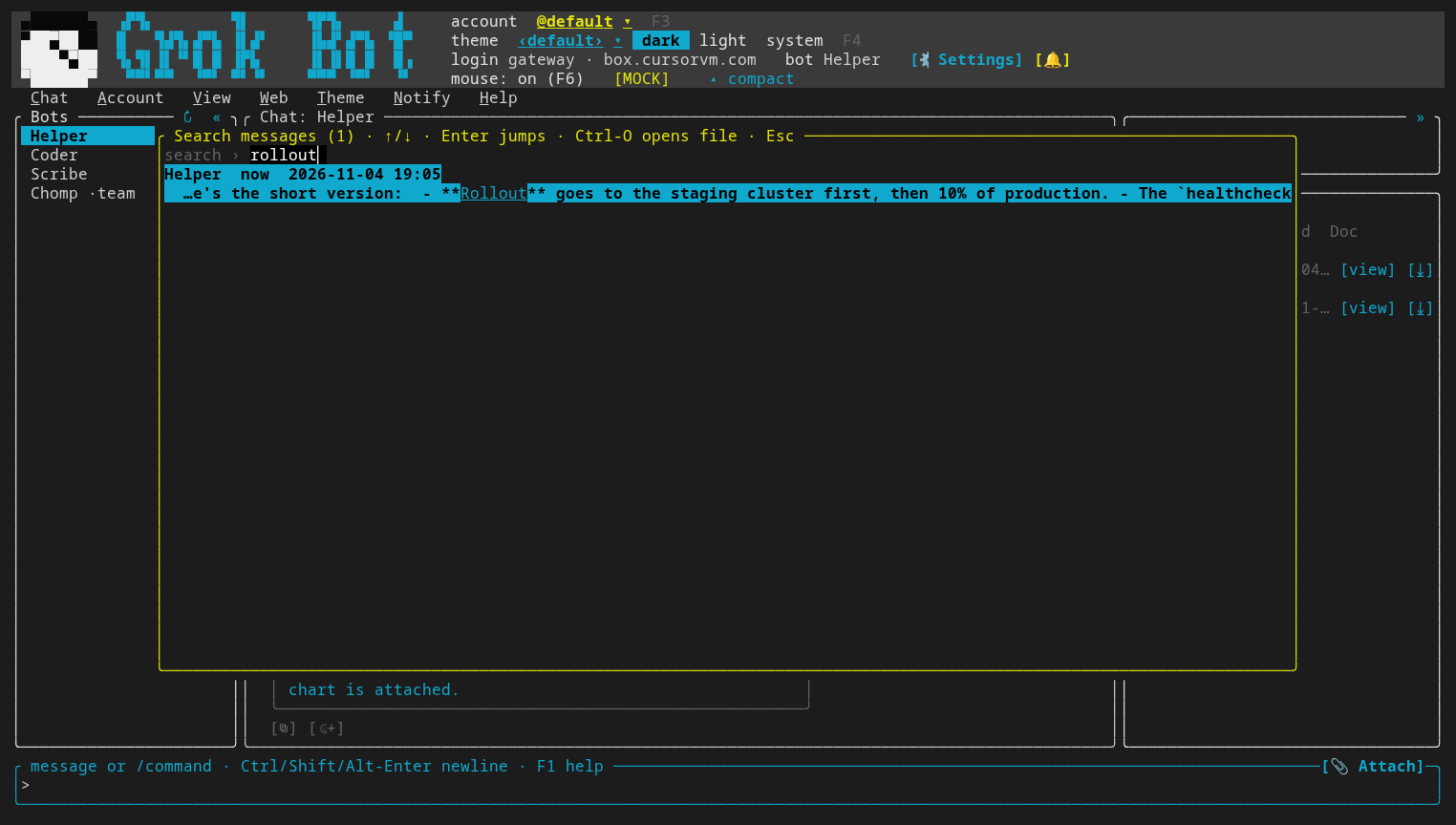
Ctrl-F searches every bot's messages and attachments locally, with a full-text index that never blocks the UI.
Read the guide →Themes
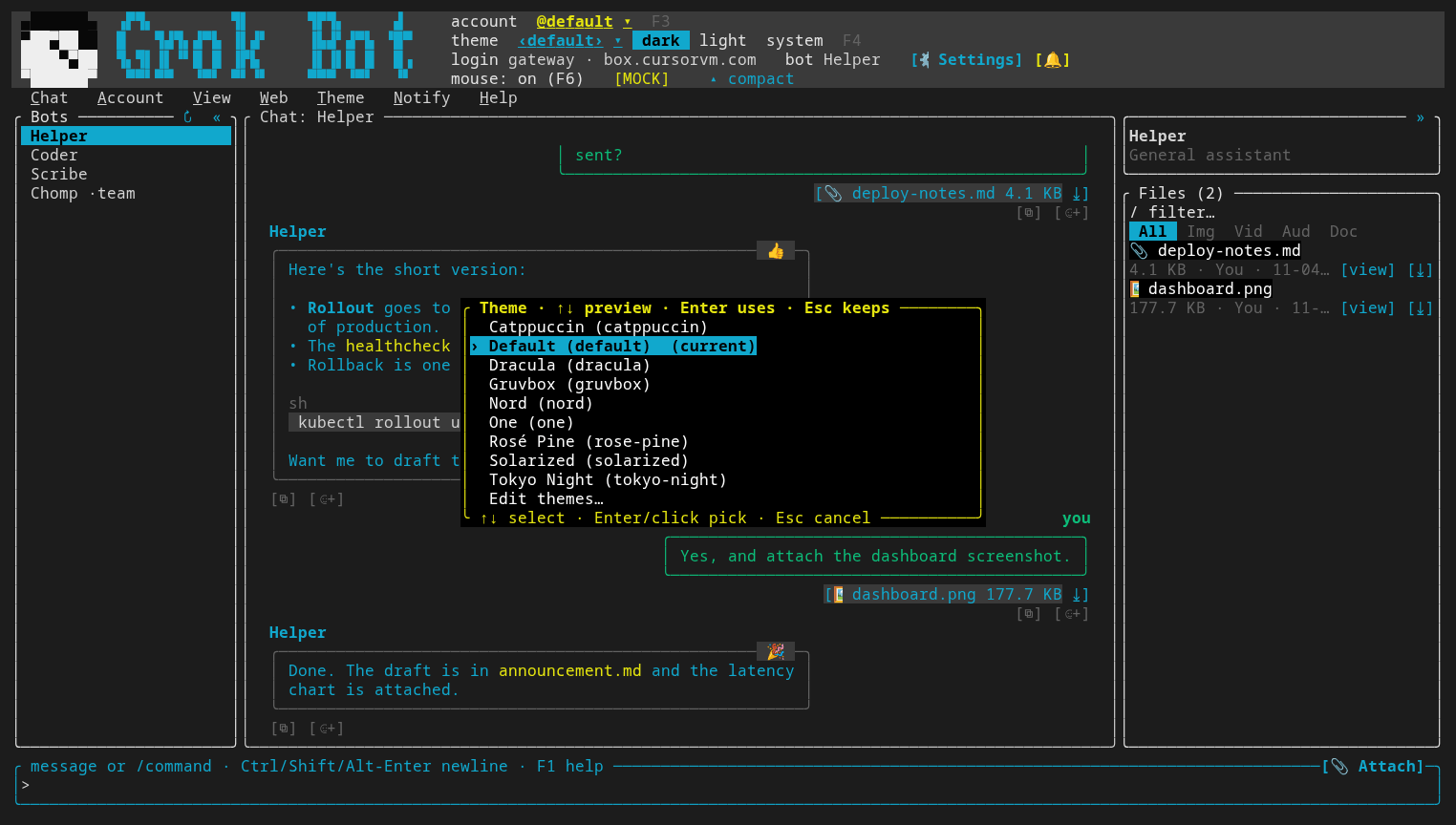
Nine built-in themes in dark and light, a live picker and an in-app theme editor.
Read the guide →MCP server
Let Claude Code, Cursor or any MCP client talk to your bots through grokbot-tui.
Read the guide →Screenshots
Download
The links always point at the latest release (checksums next to each file). More options in the install guide.
Linux / macOS
Installer script:
curl --proto '=https' --tlsv1.2 -LsSf https://github.com/WeirdBrains/grokbot-tui/releases/latest/download/grokbot-tui-installer.sh | shWindows
PowerShell installer:
powershell -ExecutionPolicy Bypass -c "irm https://github.com/WeirdBrains/grokbot-tui/releases/latest/download/grokbot-tui-installer.ps1 | iex"Debian, Ubuntu, Fedora
Packages:
sudo apt install ./grokbot-tui_<version>-1_amd64.deb # or: sudo dnf install ./grokbot-tui-<version>-1.x86_64.rpm